

LUMETRIC CORRECTOR
Professional Color Correction & Grading Filter for OBS Studio
Professional Color Correction & Grading Filter for OBS Studio
 ACHIEVE PROFESSIONAL CINEMATIC COLOR GRADING FOR YOUR STREAMS AND RECORDINGS
 Description
The filter provides extensive correction and grading tools with intuitive controls for shadows, midtones, and highlights. From basic exposure adjustments to advanced RGB color wheels - create the perfect look for any content with ease!
| 25+ Professional Presets | 3 Color Wheel Controls | ∞ Customization Options | 2 Languages Supported |
 Main Features
Professional Color Correction
- Complete exposure and contrast controls: Fine-tune brightness, highlights, shadows, whites and blacks
- Advanced white balance adjustment with temperature and tint controls for perfect color accuracy
- Precise tonal range recovery to bring back details in highlights and shadows
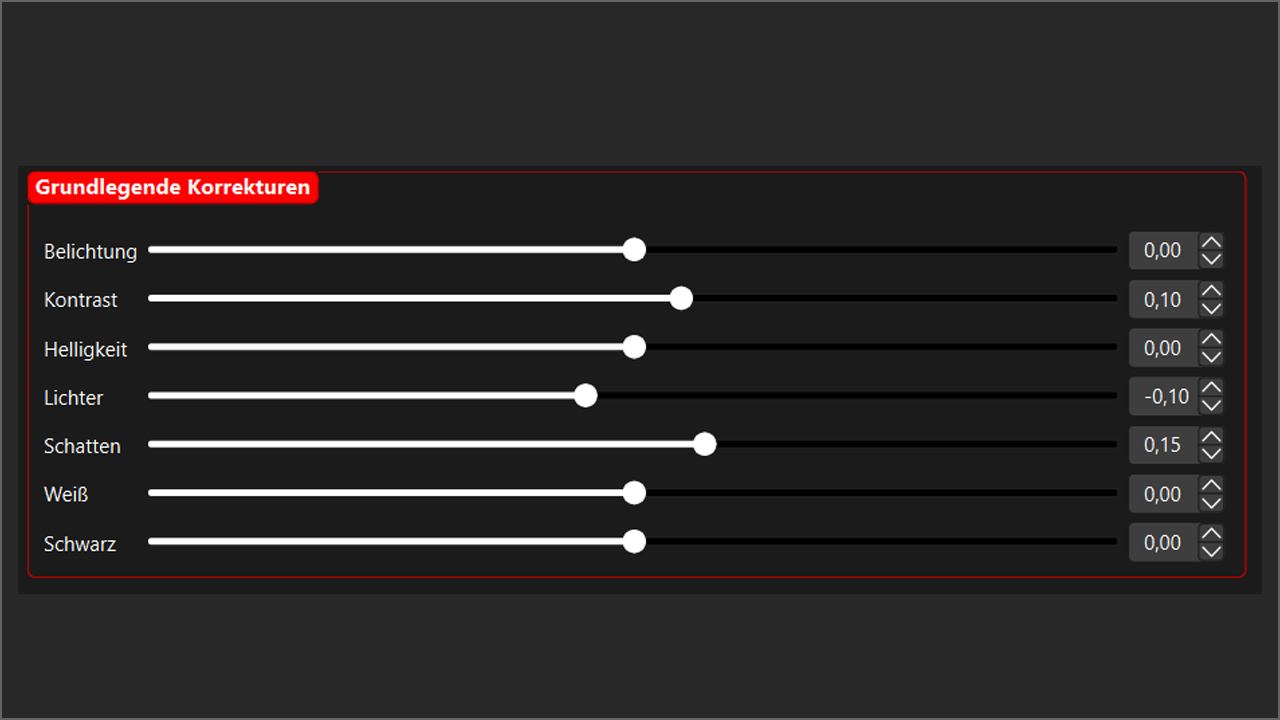
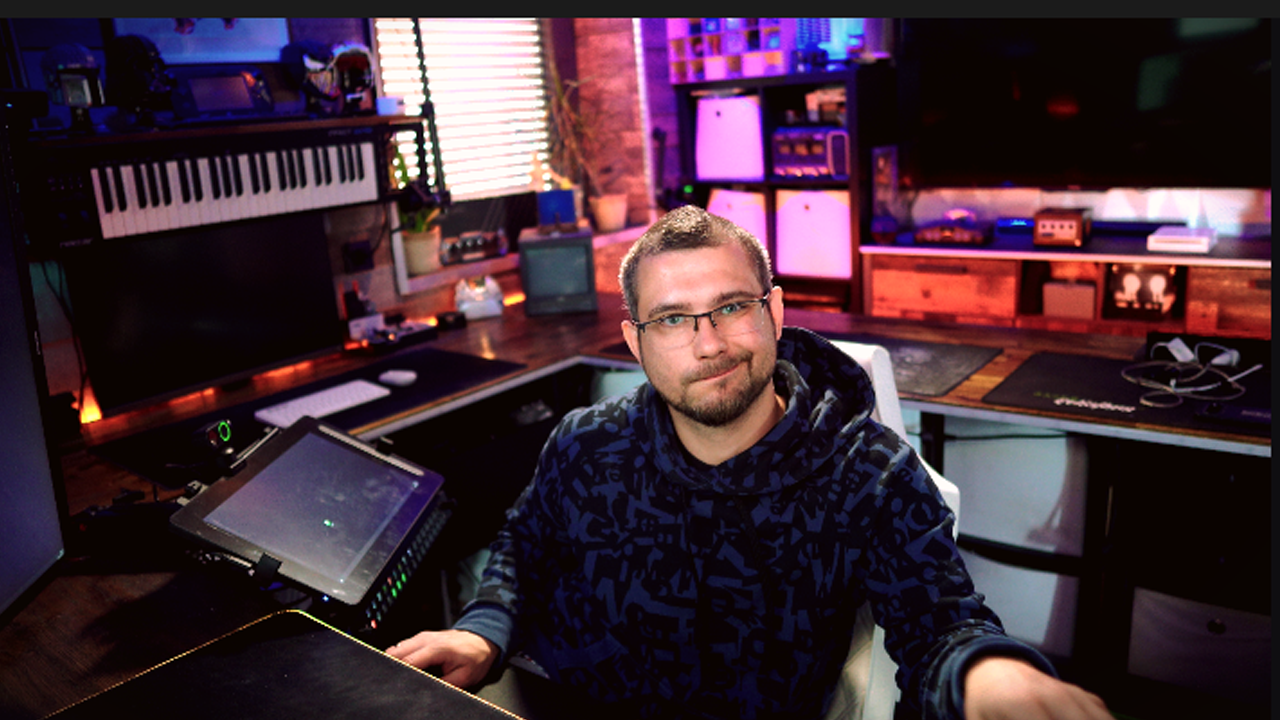
Comprehensive color correction controls in Lumetric Corrector
Advanced Color Grading
- Separate RGB control for shadows, midtones, and highlights for precise color manipulation
- Saturation and vibrance enhancement for controlled color intensity
- Vignette and film grain effects for added cinematic quality and texture
Advanced color grading tools with RGB controls
Extensive Preset Collection
- 25+ professionally designed presets in three categories: Mood, Era, and Color Style
- Instant transformation with popular looks like Teal & Orange, Vintage Film, and Cyberpunk
- One-click application - perfect for quick style changes during streams or recordings
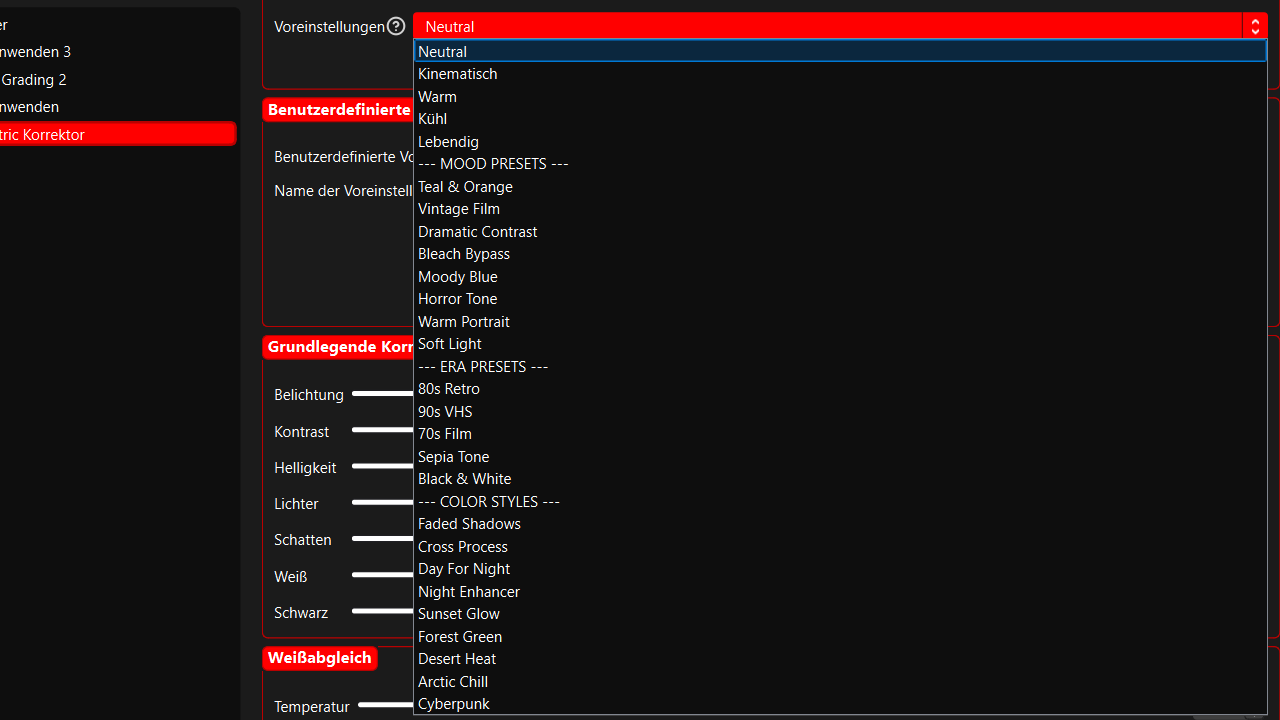
Mood presets for instant atmosphere enhancement
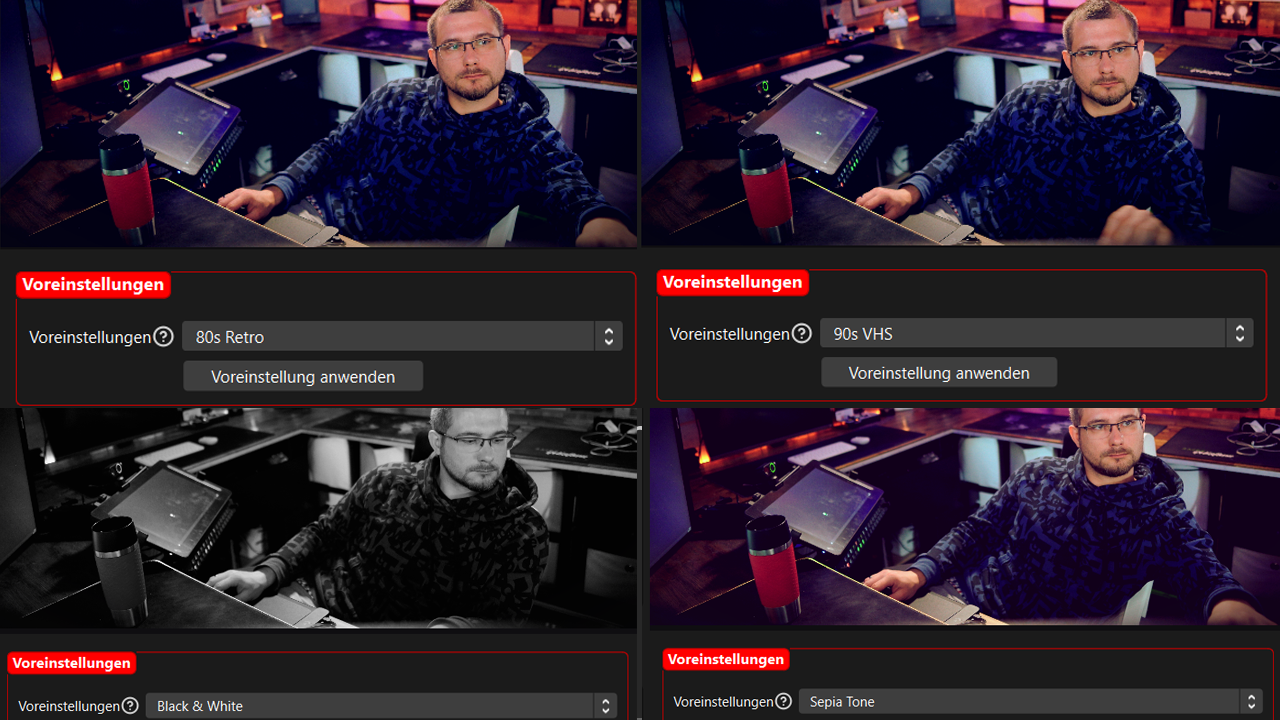
Era presets for period-specific looks
Use Cases
Streaming Enhancement
| Content Creation
| Creative Expression
|
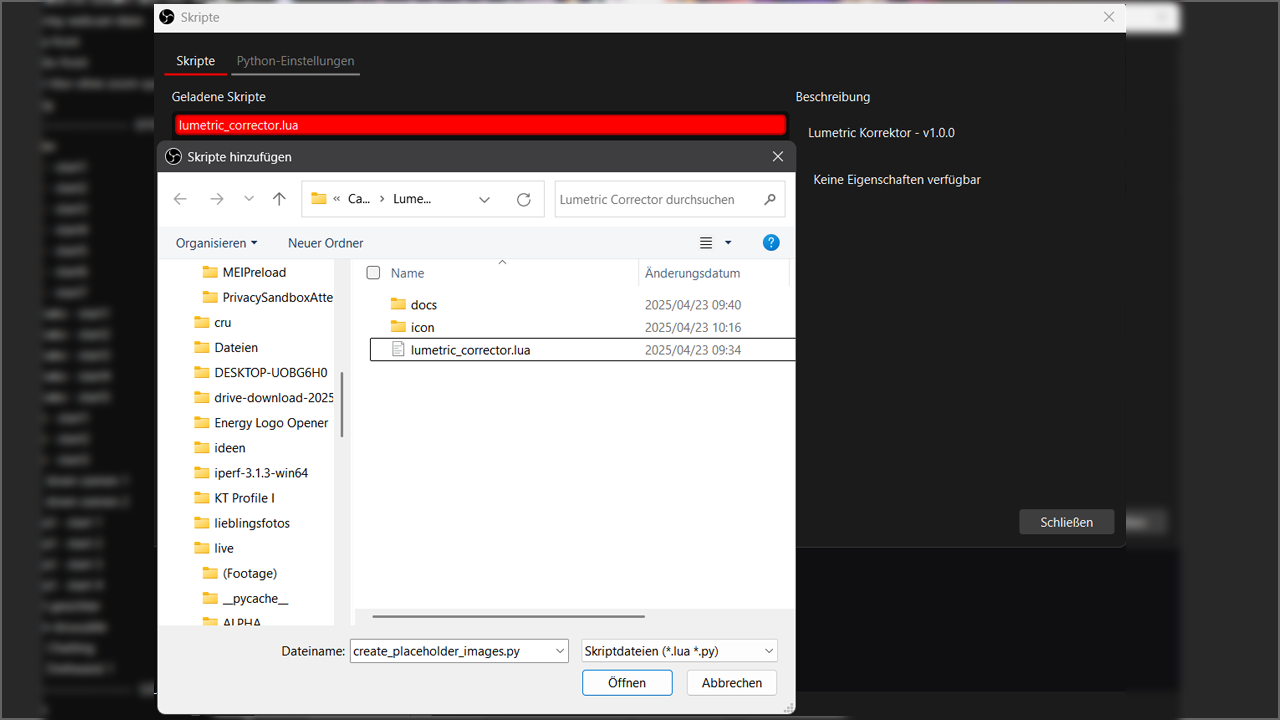
Adding Lumetric Corrector as a filter in OBS Studio
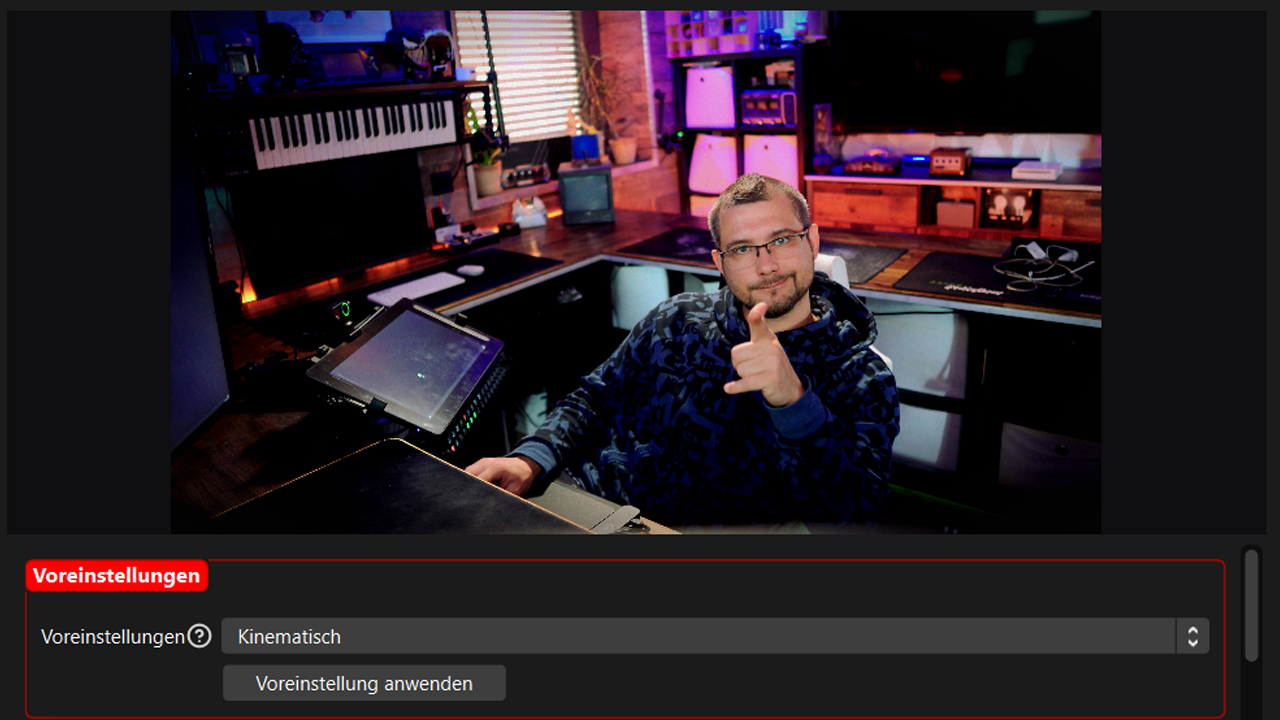
Example of color correction enhancing a gaming stream
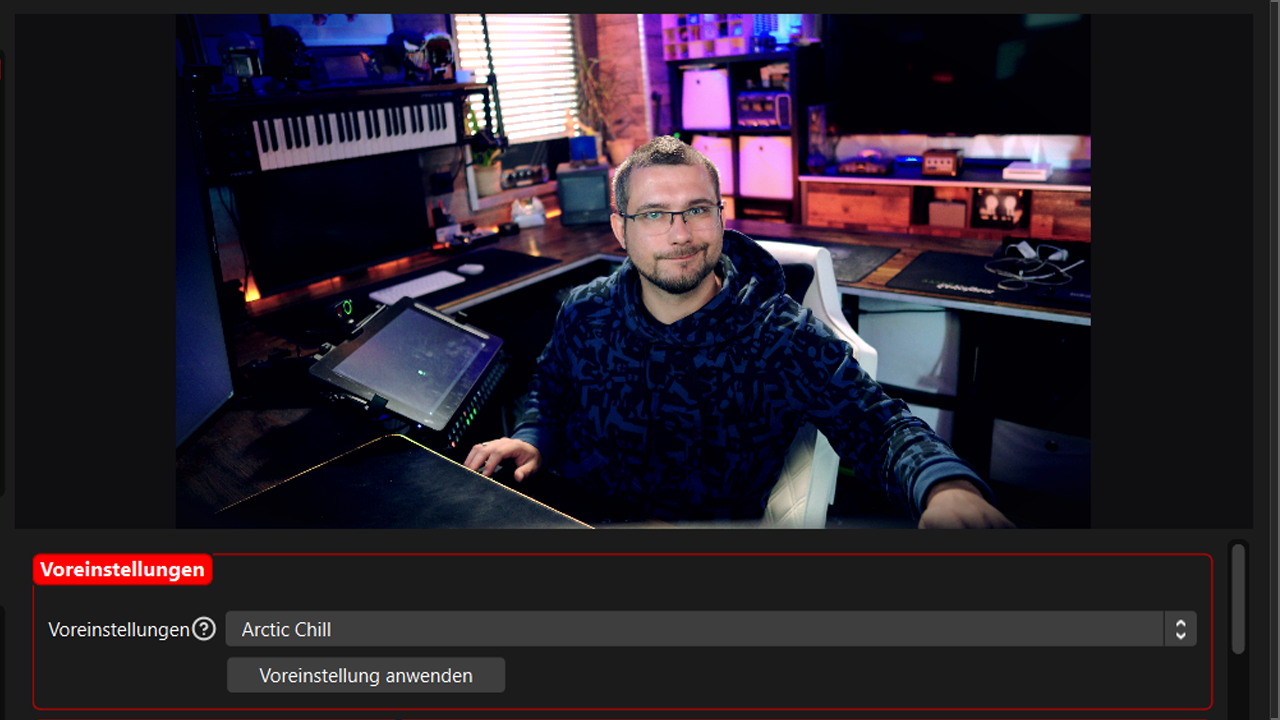
Creative color grading creating a distinctive look
Installation & Usage
Three Simple Steps:
- Download the script and place it in your OBS scripts folder
- Add "Lumetric Corrector" as a filter to any source or scene
- Choose a preset or adjust parameters to create your perfect look
Installing Lumetric Corrector in OBS Studio
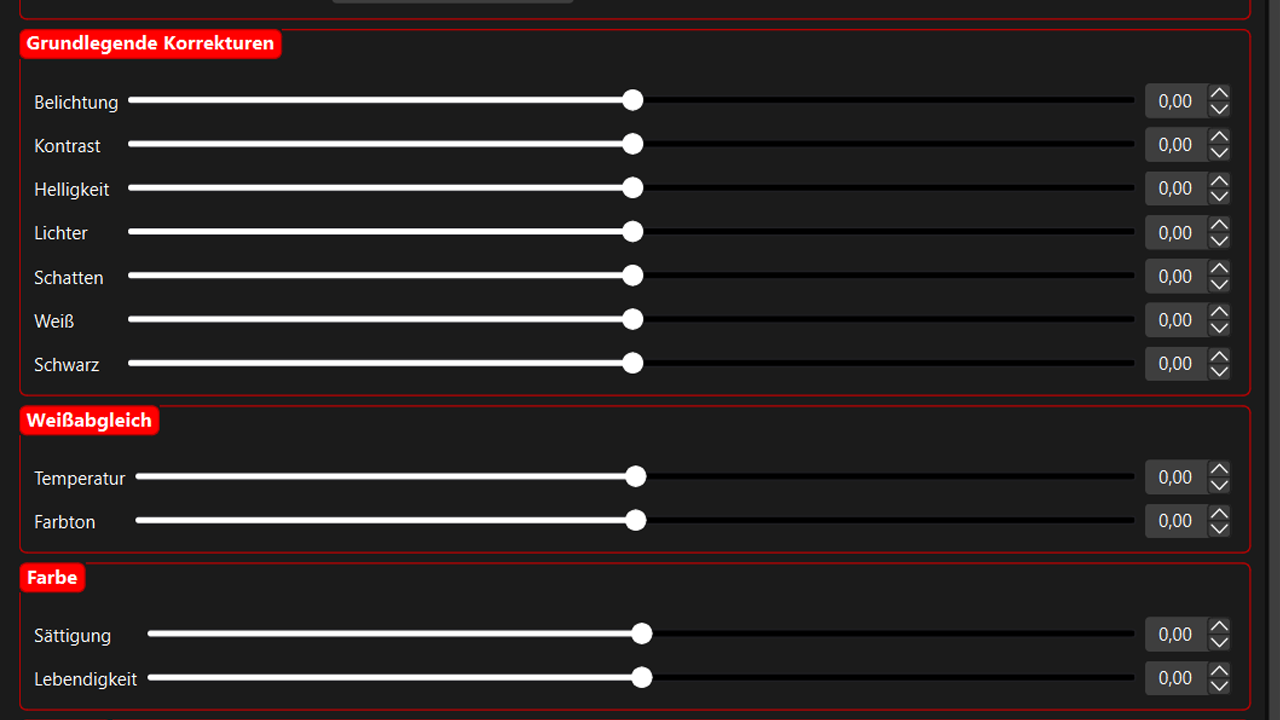
Complete color correction and grading interface
 Technical Details
Multilingual German & English | OBS Compatibility 30.0+ | Platforms Windows, macOS, Linux | Performance GPU-accelerated | Dependencies None required |
️ Developer Notes
Support
For questions or issues, visit our GitHub page or join our Discord.
Download Now and Transform Your Visual Content!
 DOWNLOAD LUMETRIC CORRECTOR
TheGeekFreaks © 2025 | Lumetric Corrector v1.0.0
DOWNLOAD LUMETRIC CORRECTORTheGeekFreaks © 2025 | Lumetric Corrector v1.0.0


